
Apple Health
What is Apple Health?
Apple Health is an iOS application introduced by Apple in iOS 8. It acts as a central health dashboard for iPhone users allowing them to view health data from numerous health apps in one place. More info on Apple Health can be found here.
Apple Watch data is also accessible via the connection to Apple Health.
Connecting Apple Health to Human API
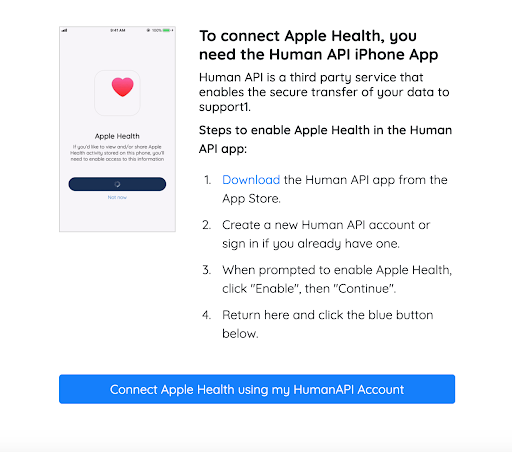
Sharing data from Apple Health to Human API is a bit different than with most sources. This is because Apple Health data is stored solely on the user's iPhone. To share this data with Human API, we have created a Human API iOS app that users will use in conjunction with Human Connect.
Human Connect
When you enable Apple Health for your application, Apple Health and Apple Watch will be added to the list of sources in Connect.
When a user selects either of these, they will be shown the Human API login page where they will be prompted to install the Human API app.
Human API iOS App
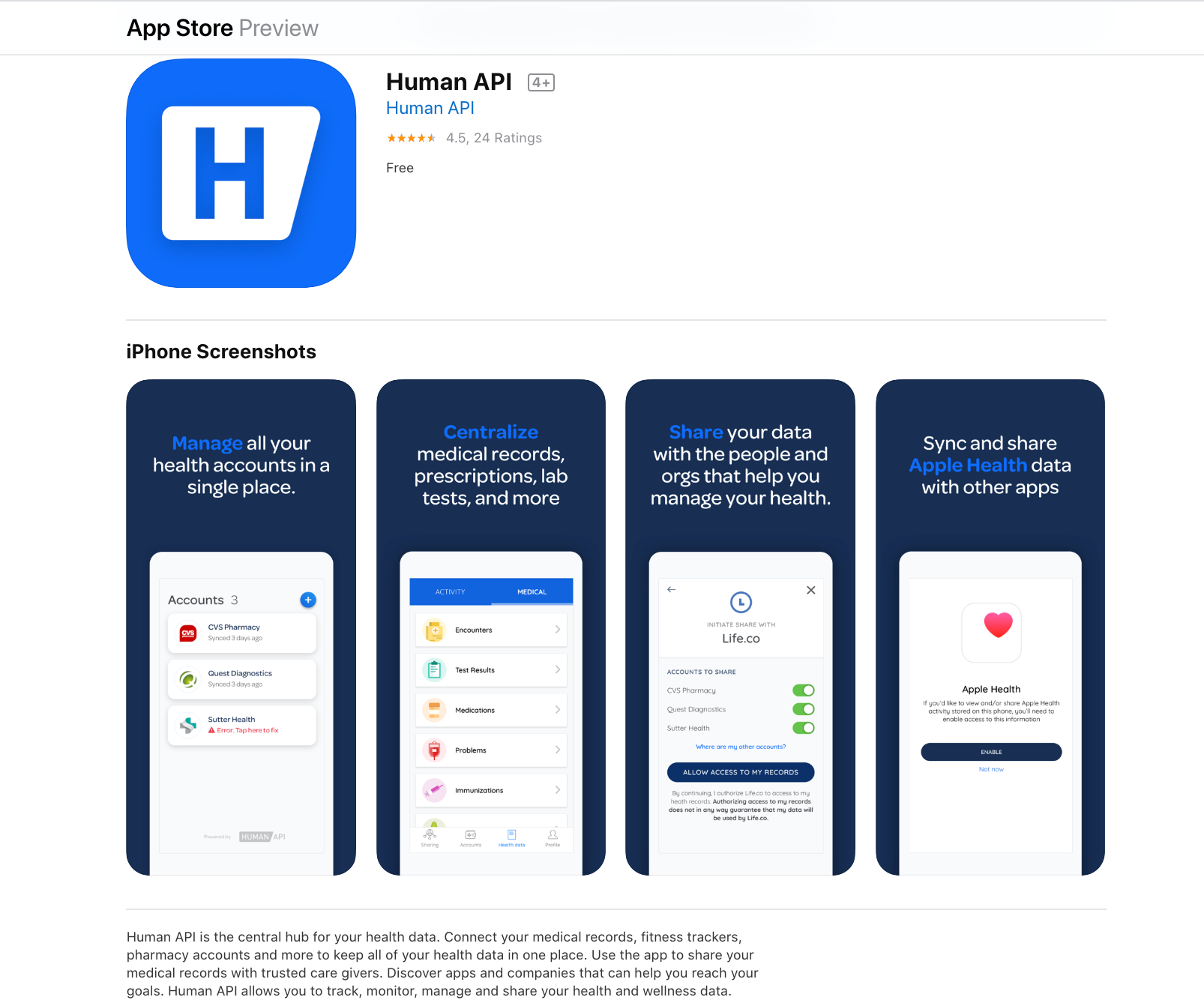
After creating Human API credentials, your users will be directed to download the Human API iOS app from the App Store.
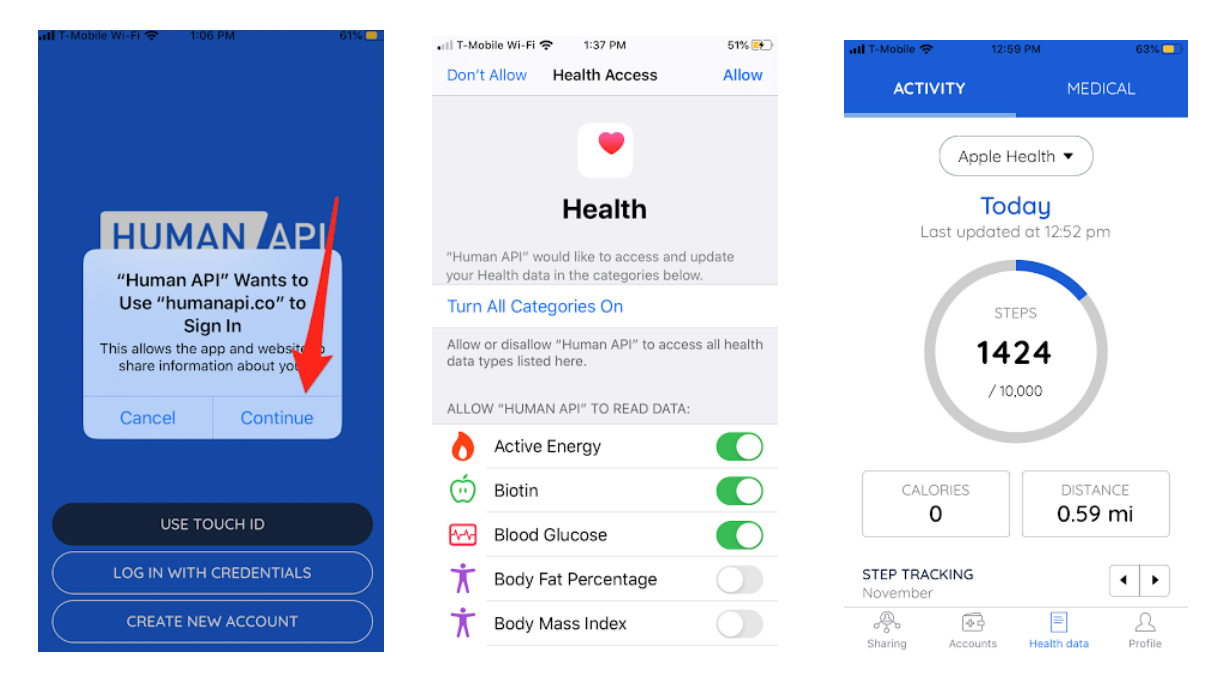
Once downloaded, there are three steps users must take before data is available:
- Sign in with the Human API credentials (created using the Human API app)
- Grant the Human API app access to each type of data stored in Apple Health as desired
(this is the data that in turn will be accessible to you via Human API) - Let the app synchronize Apple Health data with the Human API server
How Often Does Apple Health Data Sync?
Unlike most sources where data resides in the cloud, Human API cannot directly pull updated data at will. Instead, the Human API app must be installed and allowed to pull data from the device. The app does not need to be in the foreground, but it must not be force‑quit. When the app is suspended in the background, iOS may wake it to perform background delivery at system‑determined times.
The app requests hourly background delivery from iOS. Actual delivery timing is managed by the operating system and is not guaranteed to occur exactly every hour.
For more information about sync behavior with Apple Health, see the following:
- If the user force‑quits the Human API app, background delivery will stop until the app is opened again. After a device restart, background delivery may not resume until the app is launched.
- When the device is locked, HealthKit data is inaccessible and background delivery does not occur. If the device remains locked, no updates will be delivered until it is unlocked.
- background delivery occurs at most once per hour. If the user wishes to perform an immediate sync, they simply need to open the Human API app
- testing data delivery on an iPhone simulator does not work
More reliable syncsPrior to v2.0, syncing Apple Health data required manually opening the app. Background delivery support introduced in v2.0 removed this requirement, allowing syncs to occur without explicit user action, subject to iOS scheduling.
To ensure expected background sync behavior, users should always run the most up‑to‑date version of the Human API app.
Handling Data From Apple Health
All Healthkit data (e.g. from activity summaries) will come through under the source value 5541a9678e7192cb4fb34fed, which represents the source Id for Healthkit at Human API.
Updated 5 months ago